 COME
COMERead COME Game Cover Labels Before Opening an Item
A game cover helps you identify an item in a collection. Use its name and the current information behind it to understand the activity rather than treating the artwork as a complete set of rules.
Use visual differences to orient yourself
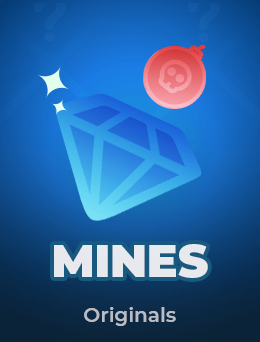
Ludo artwork shows a dice and coloured pieces. Mines artwork uses a gem and a mine. These differences help distinguish the names, but they do not specify the rules or conditions offered in the current service.

Read the item details
Check the current explanation, eligibility and any charges before taking part. A cover label such as Originals identifies branding or categorisation; it does not itself establish payout, fairness, current availability or a particular outcome.
Keep content separate from installation
Opening a cover and installing an APK are different actions. For Android package questions use Download. For a game or account question use the current item information and the service’s matching help route.
A useful next step
Return to the home page to choose an app task, or browse Guides for a more specific question about controls, accounts or installation.