 COME
COMECompare COME App and Browser Connection Problems
A browser transfer and an installed app can fail at different connection stages. Compare them carefully so you can report what is affected without assuming a shared cause.
Establish the two contexts
The browser’s Downloads area describes file-transfer state. A message inside COME describes a later app request. Write down which one fails and whether the app installed successfully before comparing networks.
Make a limited comparison
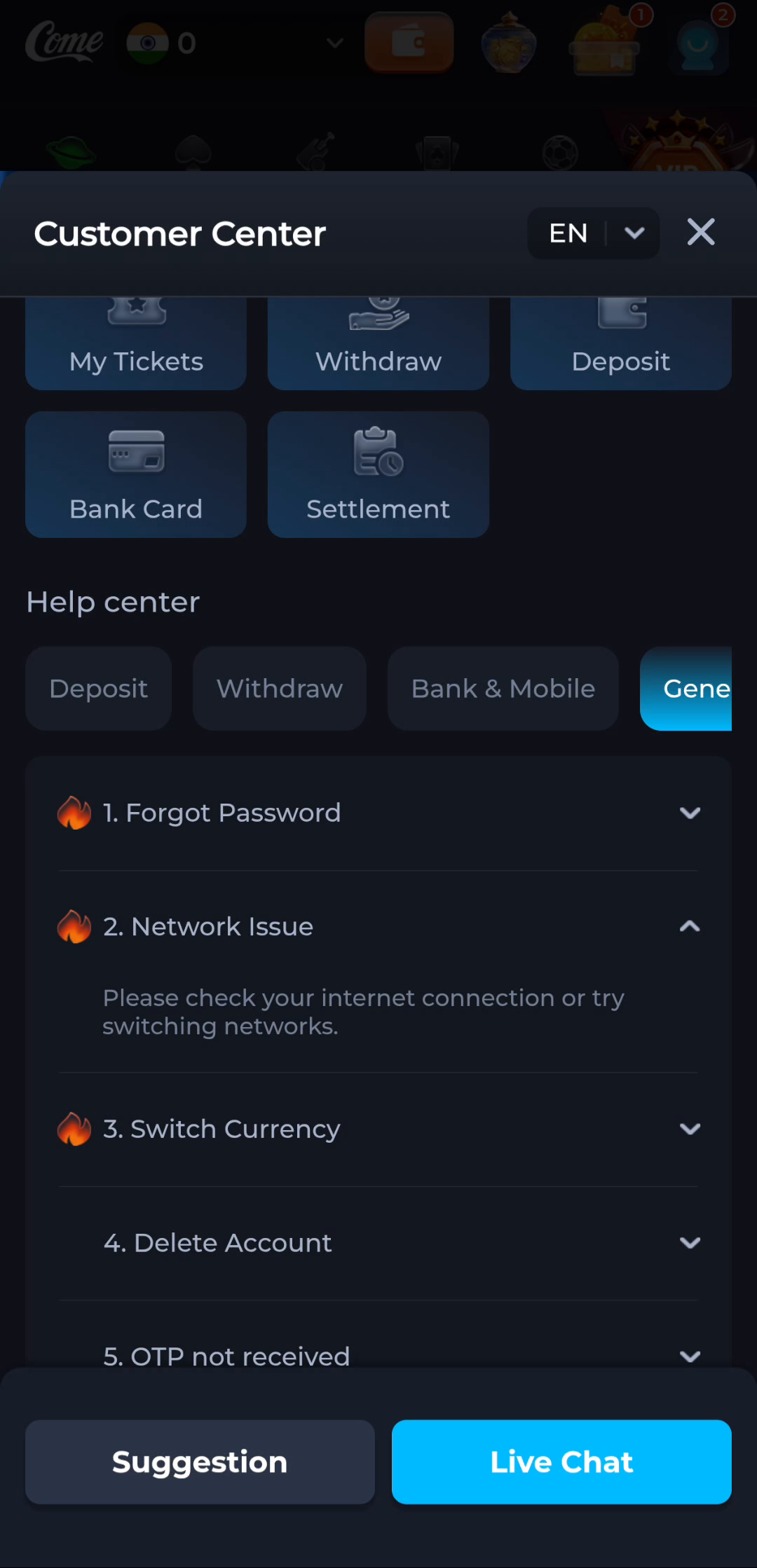
Load an ordinary webpage on the same connection, then check the affected app view again. The Network Issue help suggests checking or switching networks; use a normal available alternative if appropriate and note whether the behaviour changes.
Report the observation, not a guessed cause
If one context works and another does not, report that difference with time and the exact message. Use that observation to choose the next check for the device, network or service. Preserve account access while seeking guidance.
A useful next step
Use the download sequence for an incomplete file task. Continue with app connection help if the installed application is where the issue appears.