 COME
COMEPrepare COME Access on Another Android Phone
Moving to another Android phone involves both installing the app and restoring the intended account access. A copied APK handles software, not the whole account task.
Preserve the old access route
Before changing devices, make sure you can use your normal login or recovery method. Keep the existing phone and app available while checking the new device. Do not assume that copying a package transfers account data or login state.
Use the current Android offer
Review the present app entry and package requirements for the new phone. Complete the browser and Android steps on that device. An older file saved elsewhere is not automatically the correct release or a complete account backup.
Confirm the intended account
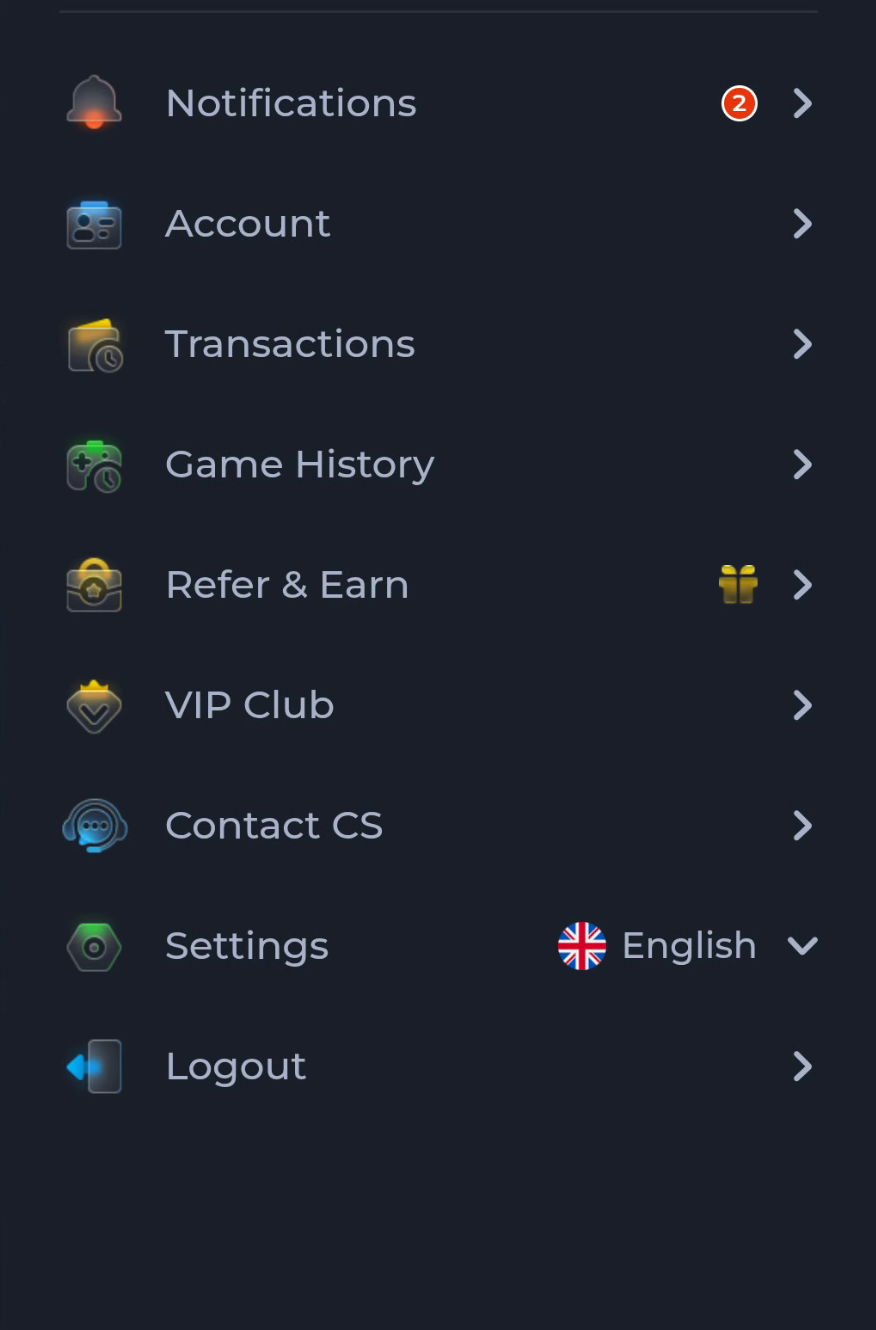
After the app opens, use the account route you intended to restore. The menu separates Account from Transactions and Game History; inspect the account context before expecting particular records. Use current recovery help if access does not work.
A useful next step
Use Download for the new phone’s installation sequence. Keep the old access route until the intended account is usable on the new device.